Zoho Inventory Training & Certification – Online and Classroom
Zoho Inventory Training & Certification pertains to the inventory management product from Zoho.
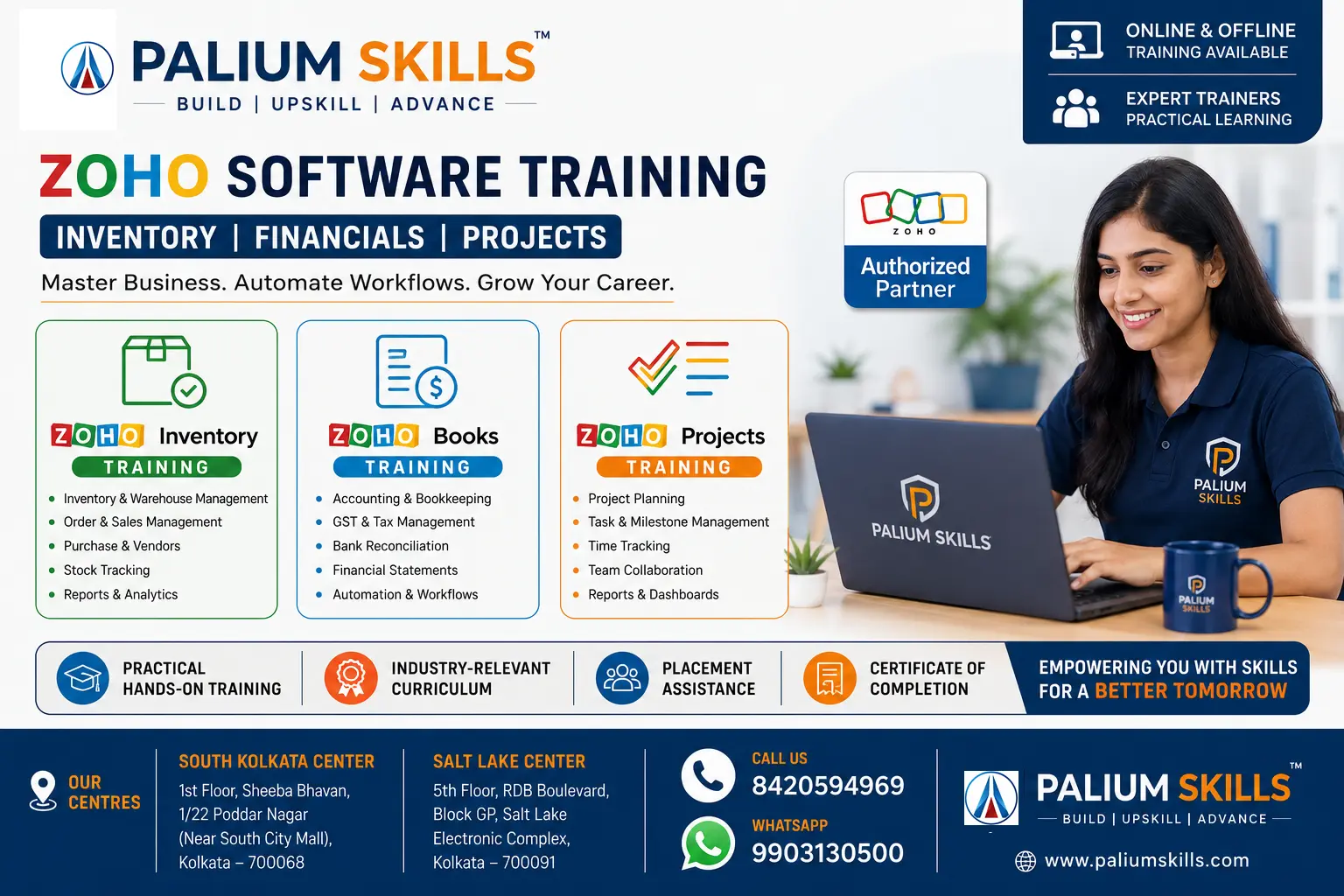
Zoho Inventory is a cloud-based inventory and order management software designed to help businesses manage stock, warehouses, purchase orders, sales orders, shipments, and inventory valuation efficiently. It integrates seamlessly with Zoho Books, Zoho CRM, major e-commerce platforms, and shipping providers. At Palium Skills, our Zoho Inventory Training Course teaches you how to configure, manage, and optimize inventory processes using real-world business scenarios.
Who Should Join?
- Students
- MBA
- Supply Chain Professionals
- Warehouse Managers
- Accountants
- Entrepreneurs
- Retail Owners
- Manufacturing Professionals
- ERP Consultants
Learning Outcomes of Zoho Inventory Training
By the end of this course, learners will be able to:
- Configure and administer a Zoho Inventory organization from scratch.
- Manage products, warehouses, vendors, and customers efficiently.
- Execute complete purchase, inventory, and sales workflows.
- Monitor stock using batch, serial number, and barcode tracking.
- Generate operational and management reports for decision-making.
- Integrate Zoho Inventory with Zoho Books and other Zoho applications.
- Design workflow automations to improve operational efficiency.
- Manage user roles, permissions, and security settings.
- Import, export, and maintain inventory data accurately.
- Implement Zoho Inventory in real-world business environments using industry best practices.
This outline is suitable for corporate training, professional certification programs, and implementation-focused workshops, with a balanced emphasis on both end-user operations and administrator responsibilities.
Why Choose Palium Skills?
Palium Skills include -
- Industry trainers
- Live projects
- Corporate trainers
- Flexible batches
- Classroom
- Online
- Weekend
- Placement assistance
- Recorded sessions
- Lifetime support
For more queries and clarifications -
contact us
For Admission Call 8420594969 or WhatsApp: +91-9903130500
For All India Live Online Training: Call 9903130500
Course Highlights
Example table
| Feature |
Details |
| Duration |
24 Hours |
| Mode |
Online/Classroom |
| Level |
Beginner to Advanced |
| Projects |
Included |
| Certificate |
Yes |
| Trainers |
Industry Experts |
| Placement Guidance |
Yes |
| Course Name | Delivery Mode | Fee | Special Offer |
|---|
| Zoho Inventory Management | Classroom/Live Online/Blended | ₹12,000 | Duration: 12 classes |
No. Zoho Inventory is a user-friendly business application that does not require any programming or coding knowledge. The course focuses on practical inventory management, workflow automation, reporting, and system configuration. Even users with no technical background can quickly learn to use the software effectively.
Yes. Our Zoho Inventory Training is designed for beginners as well as experienced professionals. The course starts with the fundamentals of inventory management before progressing to advanced topics such as warehouse management, barcode tracking, automation, integrations, and reporting. No prior ERP experience is required.
Yes. GST is an important component of the training. You will learn how to configure GST settings, tax rates, invoices, purchase transactions, sales transactions, tax reports, and GST-compliant documentation within Zoho Inventory. The course includes practical exercises based on Indian business requirements.
Yes. The course covers integration between Zoho Inventory and Zoho Books. You will learn how customer data, vendor information, invoices, bills, payments, taxes, and inventory transactions synchronize between the two applications, enabling streamlined accounting and inventory management.
Yes. Upon successful completion of the Zoho Inventory Training Course, participants receive a Course Completion Certificate from Palium Skills. The certificate validates your practical knowledge of inventory management, purchase and sales workflows, warehouse management, reporting, and software administration.
Yes. Palium Skills offers placement assistance to eligible candidates. Our support includes resume building, interview preparation, career guidance, and job referrals whenever opportunities are available. While employment cannot be guaranteed, we help learners improve their job readiness and connect them with relevant openings. Note that additional charges are applicable for some of the optional additional services.
Yes. Recordings are available for online training sessions, allowing learners to revisit important concepts and practice at their own pace. This feature is especially beneficial for working professionals and students who may need additional revision before assessments or interviews.
Absolutely. The course is designed with flexible scheduling options, including weekend batches, weekday evening classes, and live online sessions. Working professionals can learn without interrupting their regular work commitments while gaining practical skills applicable to their current roles.
Yes. Practical learning is a core part of the program. Participants work on real-world inventory management projects involving company setup, item creation, warehouse configuration, purchase and sales processing, stock transfers, barcode management, reporting, and Zoho Books integration. These projects help build hands-on experience that can be showcased during job interviews.
The standard course duration is approximately 24 hours, depending on the chosen training mode and batch schedule. Fast-track, weekend, weekday, and customized corporate training options are also available to suit different learning requirements.
Learners need a computer with a stable internet connection and access to a modern web browser such as Google Chrome or Microsoft Edge. During the course, participants use a Zoho Inventory trial or training account to perform practical exercises. No additional software installation is generally required.
Yes. The course is highly beneficial for entrepreneurs, retailers, wholesalers, distributors, manufacturers, and e-commerce sellers who want to streamline inventory management, improve order processing, reduce stock discrepancies, and automate business operations using Zoho Inventory.
Yes. Multi-warehouse inventory management is covered in detail. You will learn how to create and manage multiple warehouses, transfer stock between locations, monitor inventory availability, manage warehouse-specific reports, and optimize inventory distribution across different business locations.
Career Opportunities after completing the Zoho Inventory Training & Certification include job roles such as
Inventory Executive
Warehouse Executive
Inventory Analyst
Procurement Executive
Supply Chain Executive
ERP Consultant
Inventory Administrator
Zoho Consultant